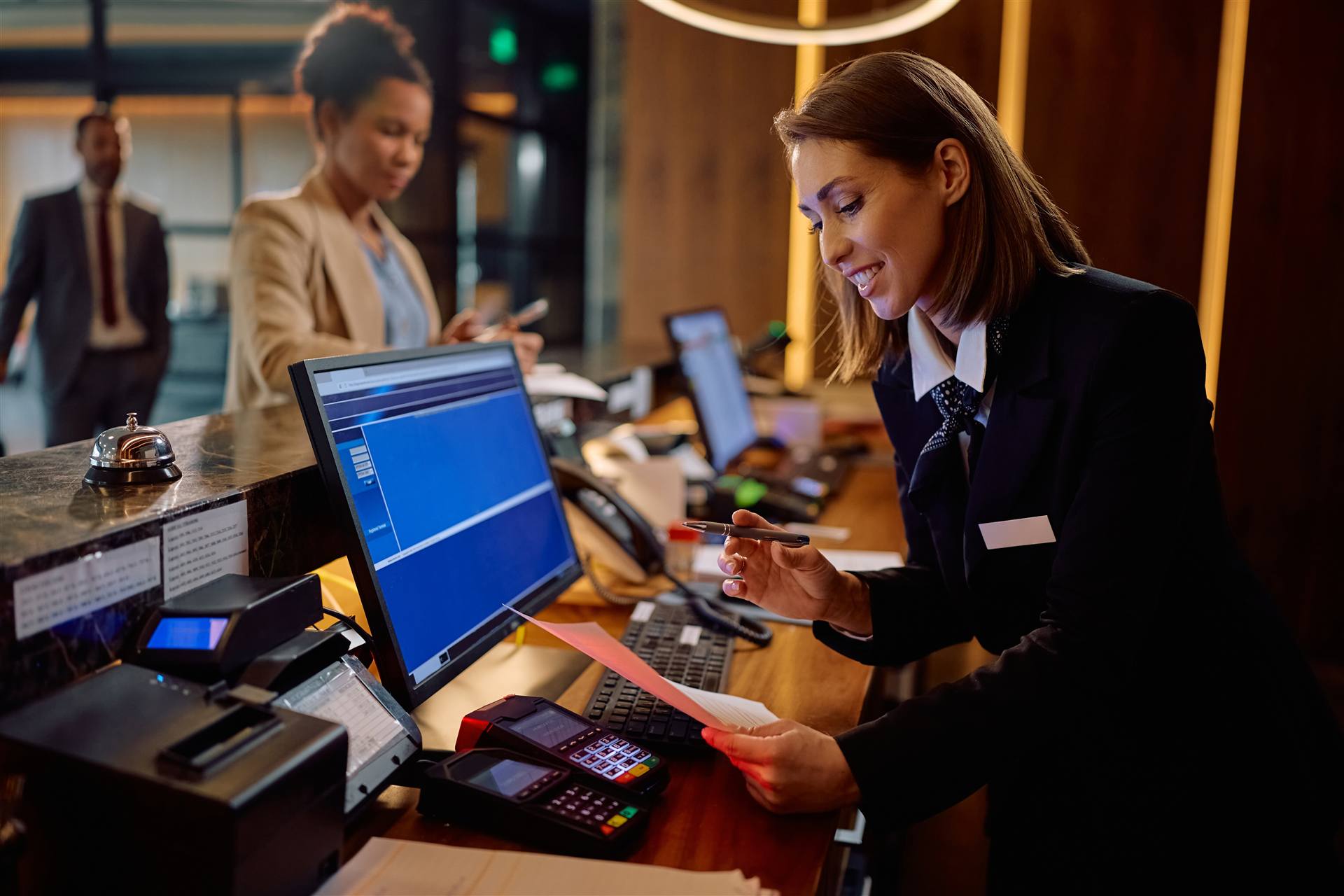
A temporary front desk may only happen once every several years at an individual hotel. For us, it's routine.
Hotels within the Hersha/HHM portfolio have repeatedly called WNS for this work — along with properties including The Penn Stater and Hilton Garden Inn Newtown Square. A repeat assignment tells you more than a one-time job: it means the last one went well enough to get the call again.
In a typical year, we may relocate three or more hotel front desks as properties renovate or reconfigure their lobbies.
That repetition matters. We've learned what needs to be checked before move day, what tends to get overlooked, which systems may require special connections, and how to build the temporary environment without disrupting hotel operations.
Your renovation shouldn't become your front-desk team's IT project. Give it to us.
Moving a hotel front desk isn't the same as moving a few office computers. The temporary desk may need access to:
And everything has to work together when the first guest walks up to the temporary desk. That's why we don't simply move the equipment and hope it reconnects. We build it, connect it, test it, and verify it before we're finished.
Every property is different. Before move day, WNS reviews the temporary location and determines what will be required to reproduce the front-desk environment there. We look at:
If new cable needs to be run, we know it before move day. If a switch needs to be configured, we prepare it. If the lock system requires Ethernet, USB, or a long serial connection back to the server, we plan for it. Fewer surprises on move day.
We walk the property with the hotel and construction team, identify the temporary front-desk location, document what needs to move, and determine what infrastructure needs to be extended.
We relocate and reconnect the workstations, monitors, printers, phones, POS equipment, key-card systems, and required network infrastructure.
Before we leave, we verify the systems the front desk depends on. A computer turning on isn't enough.
When construction is complete, we return everything to the renovated front desk, reconnect the permanent infrastructure, and run through the same operational testing again.
Can the agent access the PMS? Can they encode a room key? Can they process a payment? Can they print? Can they answer the phone? That's the test.
We handle both moves — not just the temporary one.
The goal isn't simply to relocate equipment. The goal is to keep hotel operations moving while everything around the front desk is changing.
Your general manager shouldn't have to coordinate the cabling contractor, network company, PMS vendor, lock vendor, and payment vendor just to figure out why something isn't working. WNS takes ownership of the technology side of the relocation.
One technology partner responsible for making the front desk work.
A temporary desk may look simple from the lobby. Behind it may be several separate networks and systems.
PMS, POS, corporate systems, guest services, and other hotel technologies may operate on separate VLANs. When service is extended to the temporary location, WNS reproduces the network connectivity those devices require rather than treating every Ethernet port as interchangeable.
Hotel key encoders can connect through USB, Ethernet, or serial connections depending on the lock system and property configuration. We've dealt with all of them. If that requires extending a connection from the lock-system server to a temporary location, we determine that during planning — not while guests are waiting for keys.
Credit-card and POS systems have their own network and security requirements. They're moved and tested as part of the complete operational environment.
A hotel may only need this service once during a major renovation. A hotel management company with dozens of properties encounters it repeatedly. That's why experience matters.
For approximately eight years, hotel operators and management groups have called WNS when another property enters renovation and the front desk needs somewhere else to operate.
Keep the hotel running. That's what we do.
Bring WNS into the conversation before demolition starts. We'll review the temporary location, determine what infrastructure will be required, coordinate the technology move around hotel operations, and return everything to the permanent desk when construction is finished.
You manage the renovation. We'll make sure the front desk keeps working.
Loop us in early and we'll build the move around your construction timeline.