Nonprofits often end up stitching together a part-time IT contractor, a cybersecurity vendor, a phone system provider, and whoever's nephew knows computers. WNS replaces all of that with one accountable partner — helpdesk, onsite support, infrastructure, cybersecurity, and technology leadership under one roof.

Donor data, grant compliance, and program continuity all depend on systems that just work — without the enterprise price tag. We help nonprofit organizations get dependable IT without a full-time IT department to fund.

Reliable network infrastructure and Wi-Fi across your offices, program sites, and shared spaces.
See Network →
Layered protection for donor records, financial data, and client information — built around what funders and grant compliance actually require.
Cybersecurity →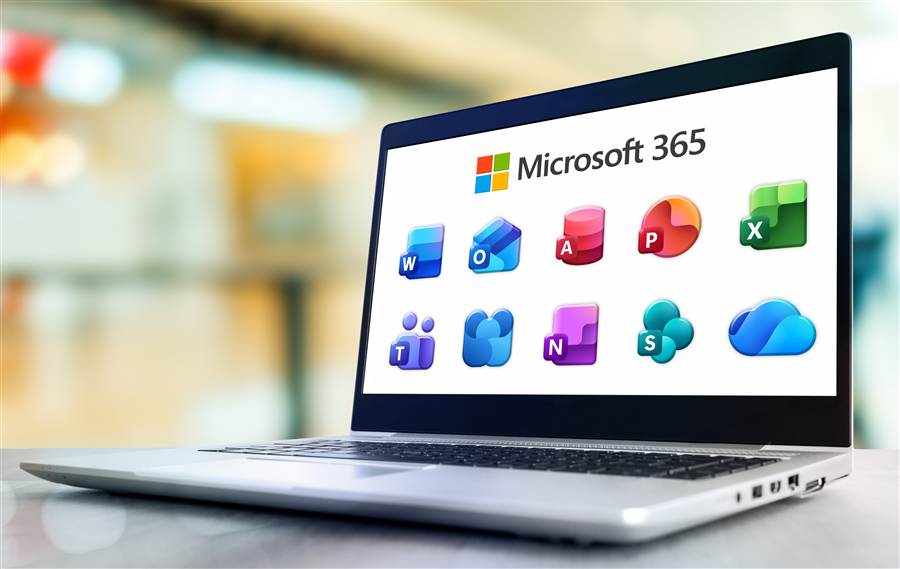
Email, file sharing, and collaboration tools set up and managed so your team can work from anywhere — office, program site, or home.
$5/User Pricing →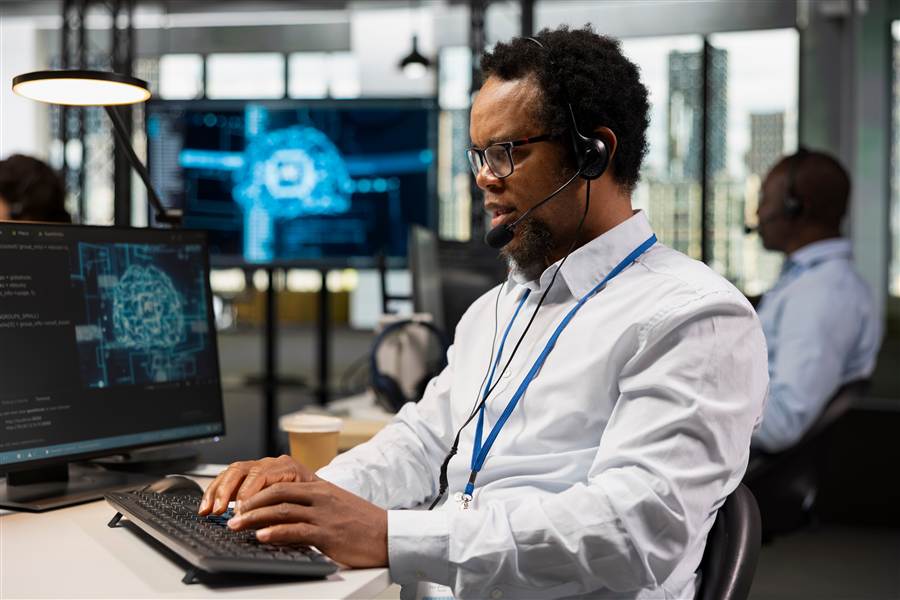
A responsive help desk for staff and volunteers, so a stuck laptop or login issue doesn't derail someone's whole day.

Certified data, voice, and network cabling for every office and program site — built to code and documented, so it just works.
See Cabling →
A flat-rate IT department behind your organization — not just a vendor you call when something breaks.
Strategic technology leadership without a full-time executive hire — a voice at the table with your board and leadership, not just another vendor. WNS helps nonprofit leadership plan budgets, evaluate vendors, and make technology decisions that hold up to board and funder scrutiny.
Identity, security, compliance, collaboration, and the devices it all runs on — managed as one environment, not a mailbox reset.
Accounts, licensing, groups, permissions, and terminations.
MFA, Conditional Access, email security, and identity protection.
Mailboxes, shared mailboxes, encryption, filtering, and authentication.
Sites, permissions, collaboration, and file organization.
Retention, DLP, records requirements, and audit readiness.
Microsoft 365 integrated into the computers and users you already support.
See how this played out for a recent client in the Bebashi case study below.
Nonprofit staff aren't technologists — they're case workers, teachers, and program managers who need their laptop, their email, and their systems to just work. A responsive help desk for staff and volunteers means a stuck laptop or login issue doesn't derail someone's whole day.
Layered protection for donor records, financial data, and client information — built around what funders and grant compliance actually require, not a checklist of every security product on the market.
Replacing technology shouldn't be an emergency line item. WNS helps you understand what you own, how old it is, what's reaching end-of-life, and what should be budgeted for next — before the board asks.
| Category | What It Means |
|---|---|
| This year | Replace now |
| Next 12–24 months | Budget for it |
| Healthy | Keep it |
| Capacity risk | Monitor it |
| Security risk | Prioritize it |
A framework your executive director, finance committee, or board can act on immediately.
Whether it's a new program site or an additional office, WNS can take the space from empty room to fully supported technology environment — network, workstations, Microsoft 365, and phones — then stay on to support it. No handoff from a project vendor to a separate support vendor.
The Lincoln Center for Family and Youth runs school and family-services programs across six locations in Pennsylvania, Ohio, and Wisconsin. For 18 years, WNS has been the technology partner behind that work.
When Bebashi moved into a new Philadelphia office, WNS built the physical network from the ground up — then stayed on to modernize the organization's Microsoft 365 environment and support its leadership with ongoing technology planning.
Most nonprofits qualify for steeply discounted Microsoft 365 licensing — Business Premium for around $5 per user, per month, instead of the standard commercial rate. That single license includes endpoint detection and response (EDR), device encryption, advanced mail and phishing protection, and device management on top of the Office apps, Teams, and email your team already uses.
We handle getting your organization registered for nonprofit licensing eligibility and configure the license to turn on every included security feature — the same tightening process we ran for Bebashi.
WNS provides nonprofit IT services as an extension of your organization: a help desk for staff and volunteers, on-site support, network and Wi-Fi, cybersecurity, Microsoft 365 management, vendor coordination, and technology leadership. It is one accountable partner instead of a mix of contractors and vendors.
Most nonprofits qualify for discounted Microsoft 365 licensing. WNS handles registering your organization for nonprofit eligibility and configures the license to turn on its included security features. See the Microsoft 365 section above for what is included.
Yes. WNS has been the technology partner for The Lincoln Center for Family and Youth for 18 years across six locations in Pennsylvania, Ohio, and Wisconsin. Read the TLC case study.
WNS understands grant and funder compliance basics and builds cybersecurity and data protection around what funders and grant compliance require, including secure handling of donor and client data.
Both. Scheduled on-site support is available alongside unlimited remote support and monitoring, sized to your budget. Emergency support is available 24/7.
Choosing a provider? Read How to Choose Nonprofit IT Support: Questions to Ask.
Let's talk about what your organization needs from technology now — and where it needs to go next.