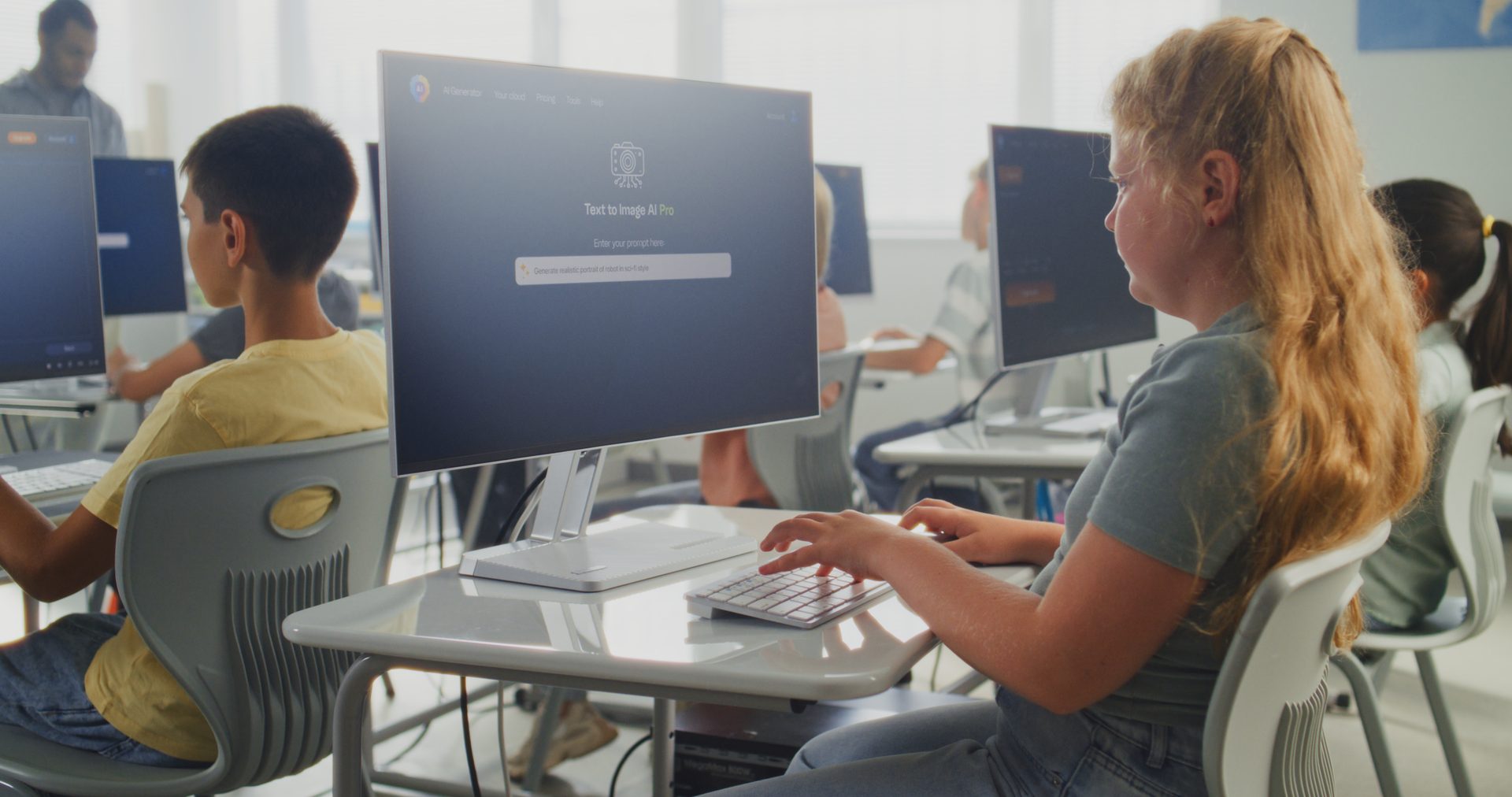
Keeping classrooms, offices, and online learning environments running smoothly is what we do for schools every day. From network management to device support and security, we keep your technology dependable, connected, and ready for learning.
A dropped Wi-Fi signal or a frozen classroom device isn't just an inconvenience — it's lost instructional time. We build and support systems that hold up under real classroom use, day after day.

Hand us the technology side. WNS can help take a new classroom, school location, or educational program from an empty space to a working technology environment.
We help staff understand the technology, resolve first-day issues, and continue supporting the environment after the project is finished.
From Empty Classroom to Ready for Students.
Large device deployments take planning. WNS can help receive, stage, configure, label, inventory, distribute, and support devices across classrooms and locations.
Don't hand teachers boxes. Hand them working technology.
WNS combines local technicians, remote engineering, trusted field resources, and traveling WNS technicians. For ongoing support, we can establish local coverage. For openings, major deployments, network projects, and specialized work, we can send members of our team directly to the school.
The right technician. Not just the closest technician.
Recent work included sending a WNS technician to Columbus, Ohio to deploy 65 Chromebooks, install three smartboards, and prepare school staff for the new technology. See the full story below.
Before school: 50 devices. 8:05 AM: 700 devices. That's the real design problem.
The network should be designed for the busiest period of the school day. Not the quietest.
Chromebooks, internet, classroom systems
Instructional systems, printers, collaboration
Finance, HR, student data, Microsoft 365
Controlled internet access
Cameras, door access, smartboards, facilities
WNS designs the network accordingly.
A smartboard can be mounted perfectly and still be useless if teachers aren't comfortable using it. A Chromebook rollout isn't finished when the devices turn on.
We help get the people ready too.
Student records, staff information, payroll, and email accounts are all at risk from ransomware and phishing — and a school can't just shut down for a day to recover.
Not every security recommendation can be implemented like it would be at a bank. WNS helps balance security, usability, and classroom operations.
WNS can meet with school leadership to discuss infrastructure, security, lifecycle planning, upcoming projects, and technology budgets.
We translate technology into decisions leadership can make.
Summer break, winter break, weekends, and after-school windows are often the best time to complete infrastructure upgrades without disrupting instruction.
Network refresh, Chromebook rollout, smartboards, cabling
Support, monitoring, troubleshooting, lifecycle planning
Maintenance, firmware updates, cutovers

Day-to-day support for classroom computers, projectors, and shared devices — kept running so instruction doesn't stop for a tech issue.
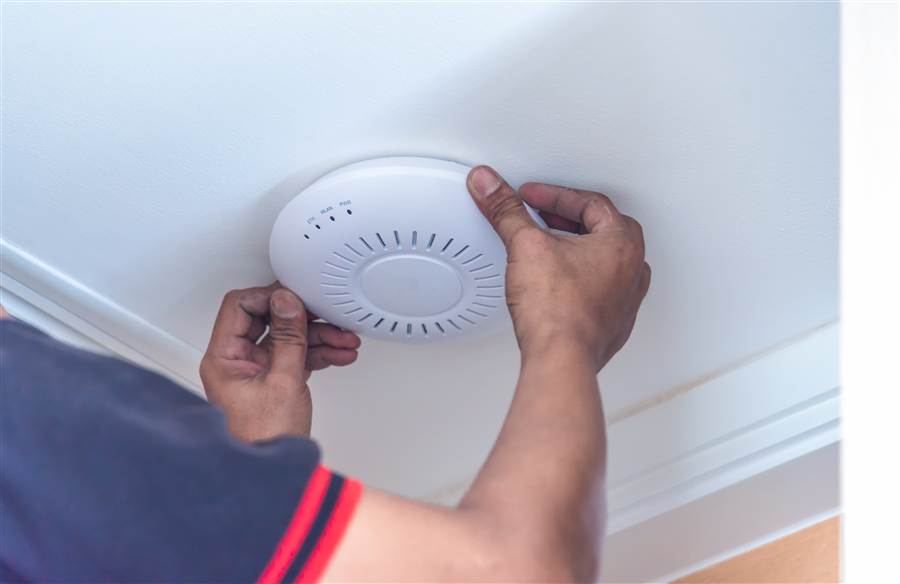
Wired and wireless networks built to handle a building full of students and staff connecting at once, in classrooms and common areas alike.
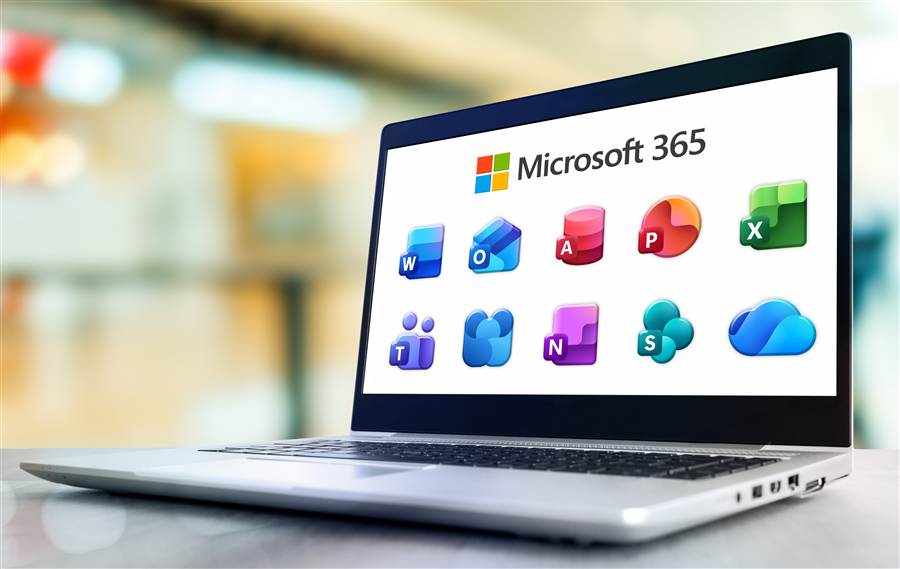
Email, file storage, and collaboration tools set up and managed for classrooms, staff, and administration alike, with account coordination for Chromebook and Google environments. Some schools qualify for nonprofit pricing.
$5/User Pricing →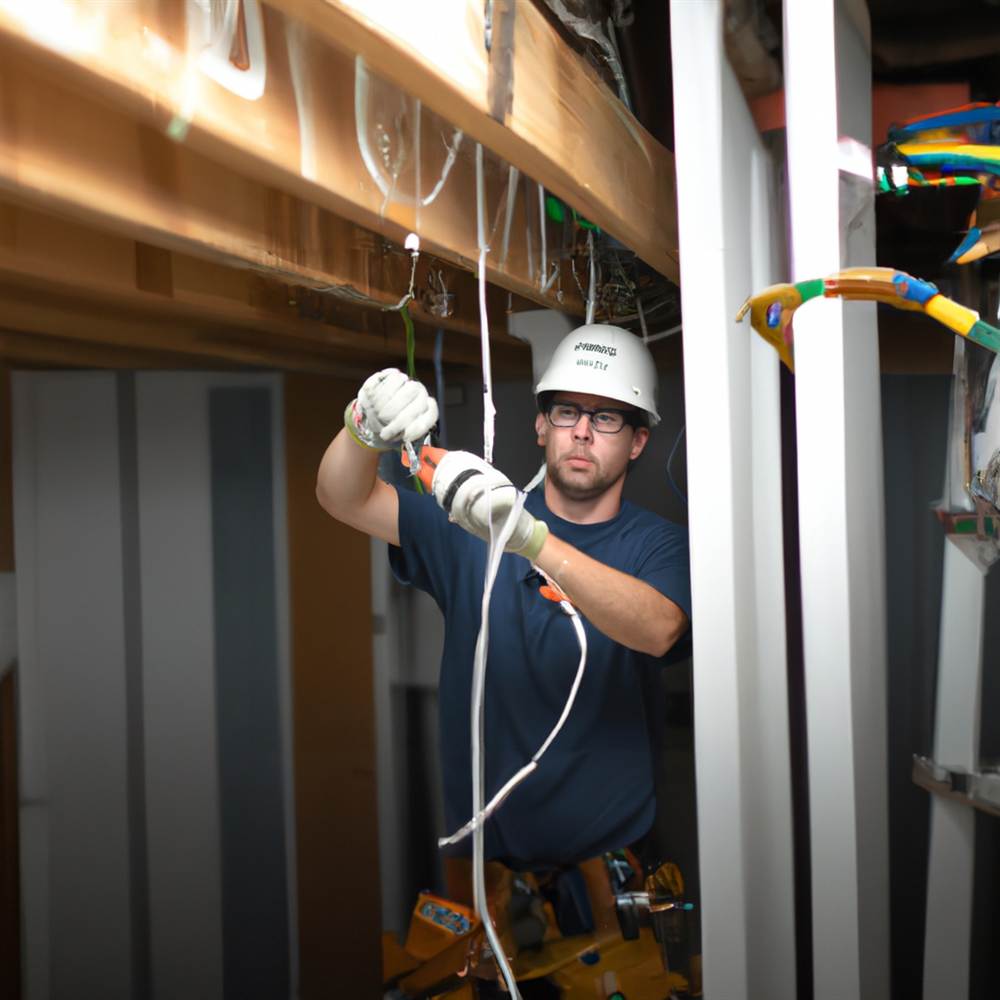
Certified data, voice, and network cabling for classrooms, offices, and shared spaces — built to code and documented, so it just works.
See Cabling →Schools don't need a rotating cast of unfamiliar contractors. We offer scheduled on-site support alongside remote support and 24/7 emergency coverage, so there's a consistent point of contact who already knows your network, your systems, and your building.
The Lincoln Center for Family and Youth runs school and family-services programs across six locations in Pennsylvania, Ohio, and Wisconsin. For 18 years, WNS has been the technology partner behind that work.
A school in Columbus, Ohio needed classroom technology deployed and ready for staff and students.
Sent a technician onsite to install three smartboards, deploy 65 Chromebooks, test the environment, and help staff get ready to use the technology.
Technology wasn't simply delivered in boxes. It was installed, connected, tested, and ready for the people who needed it.
WNS supports the technology behind the entire school: classrooms, offices, networks, devices, security, and cloud systems. That covers opening a new location, deploying student devices, building Wi-Fi, installing classroom technology, and supporting staff after the first day of school.
Yes. WNS can receive, stage, configure, label, inventory, distribute, and support devices across classrooms and locations, from one laptop to five hundred. Recently a WNS technician deployed 65 Chromebooks and installed three smartboards at a school in Columbus, Ohio. See the Columbus deployment.
Yes. Summer break, winter break, weekends, and after-school windows are often the best time for infrastructure upgrades. WNS schedules network refreshes, Chromebook rollouts, smartboards, and cabling for the summer, and maintenance, firmware updates, and cutovers after hours.
Yes. WNS combines local technicians, remote engineering, trusted field resources, and traveling WNS technicians. For ongoing support we can establish local coverage, and for openings, major deployments, and network projects we can send team members directly to the school.
Yes. WNS sets up and manages Microsoft 365 for classrooms, staff, and administration, with account coordination for Chromebook and Google environments. Some schools qualify for nonprofit pricing.
Whether you're opening a new location, refreshing a network, deploying classroom technology, or looking for ongoing IT support, WNS can help plan it, build it, deploy it, and support it.