Internet
↓
Firewall
↓
Core
↓
Fiber
↓
IDFs
↓
Switches
↓
Access Points
↓
Devices & Applications
WNS can own the entire path.
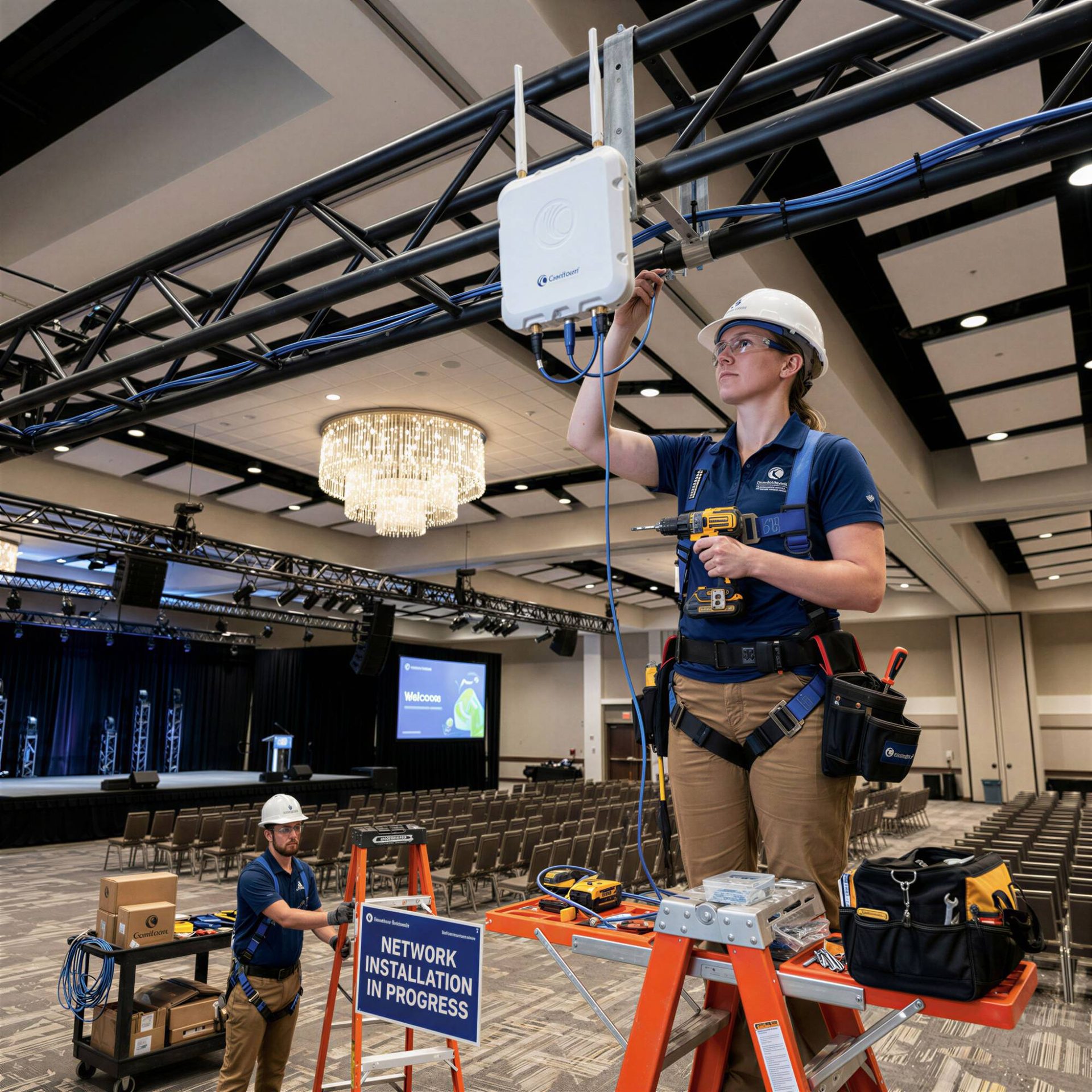
A reliable network isn't created by hanging access points on the ceiling. It starts with understanding the building, the users, the applications, and what the organization will need from the network. WNS can help plan the entire infrastructure:
The firewall, switches, fiber, cabling, Wi-Fi, and internet circuit all affect one another. We make sure they're designed to work together. Need the physical cabling too? See our structured cabling services.
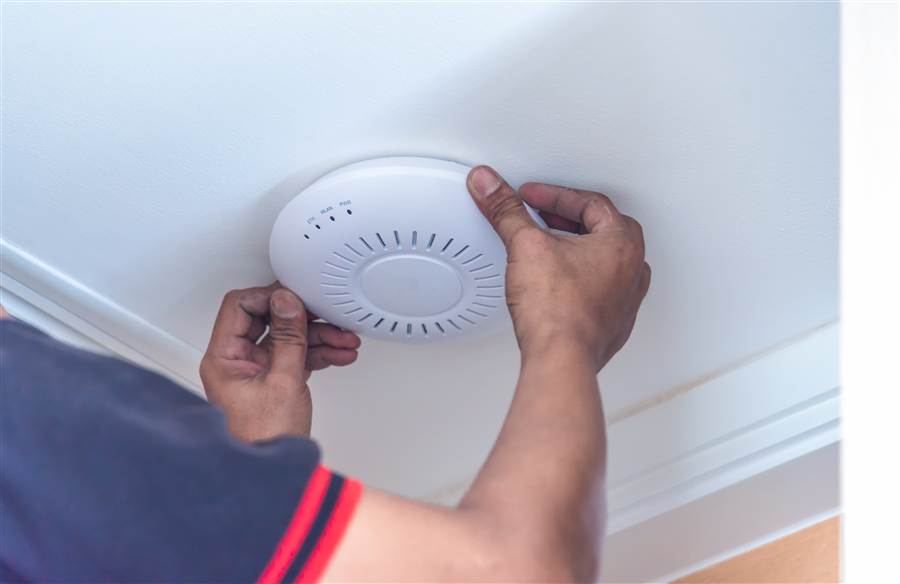
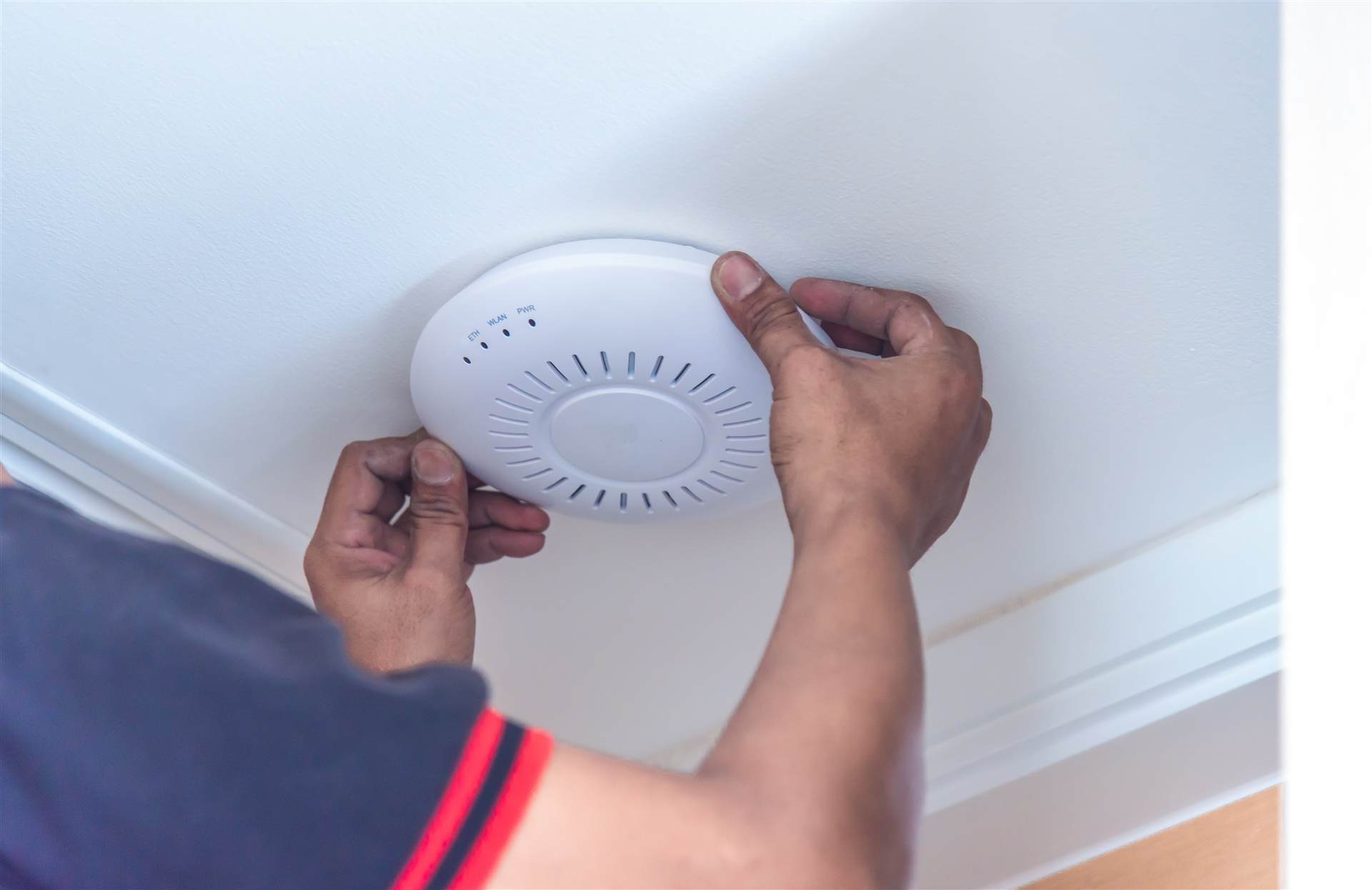
Site surveys and access point placement planned around your building's layout and materials, not a generic template — for strong signal and seamless roaming everywhere on the property.

Wireless built for peak load — ballrooms, conference space, and guest floors all connecting at once — with guest and staff traffic kept on separate, secured networks.

PoE switching, routing, and VLANs configured to keep voice, data, security, and guest traffic properly segmented and performing as intended.
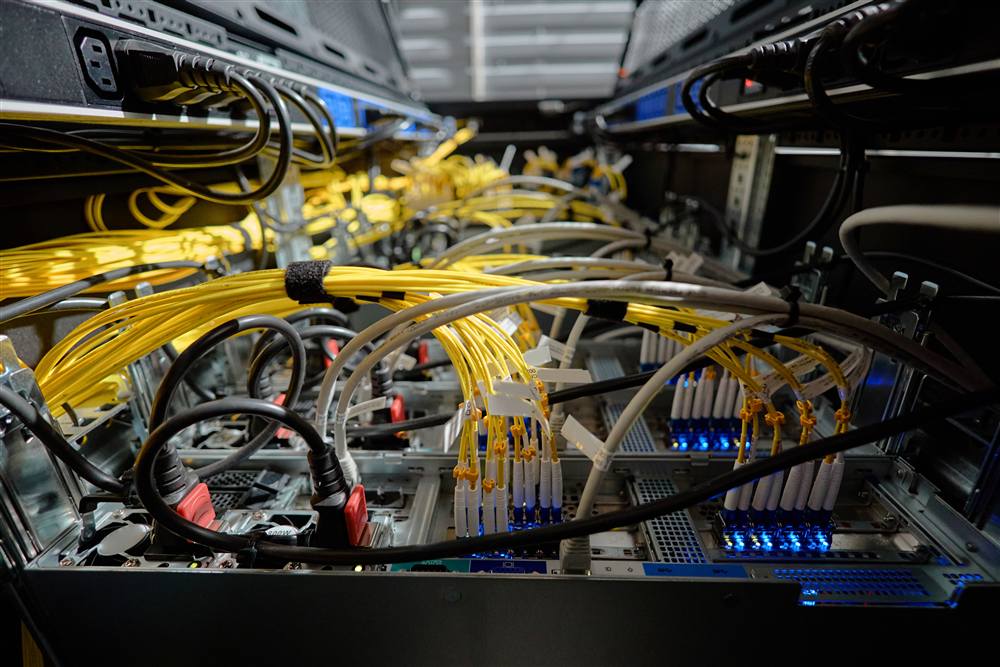
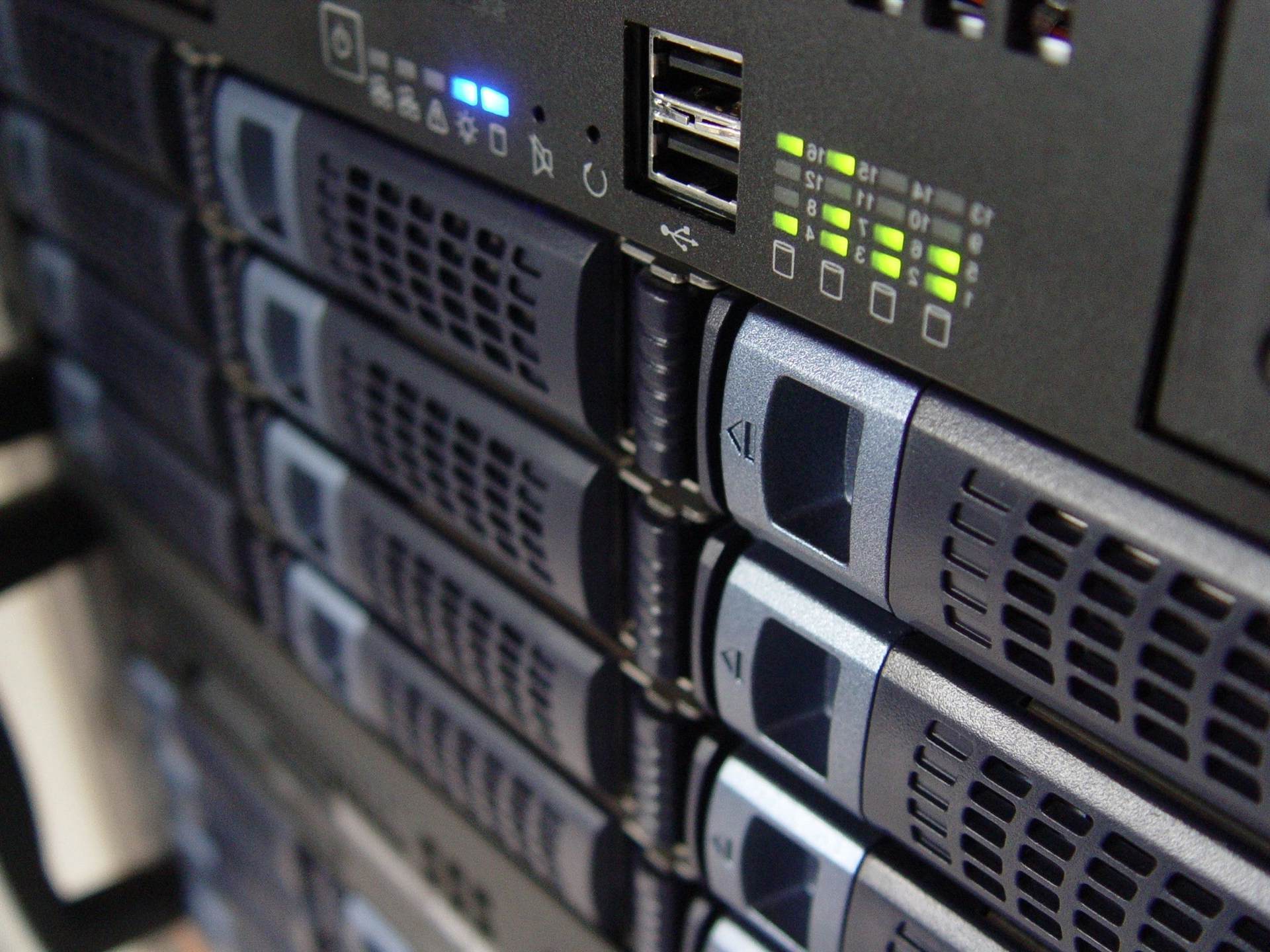
Firewalls, controllers, and switching built out on racks that are labeled and documented — so troubleshooting later doesn't mean tracing cables by hand.

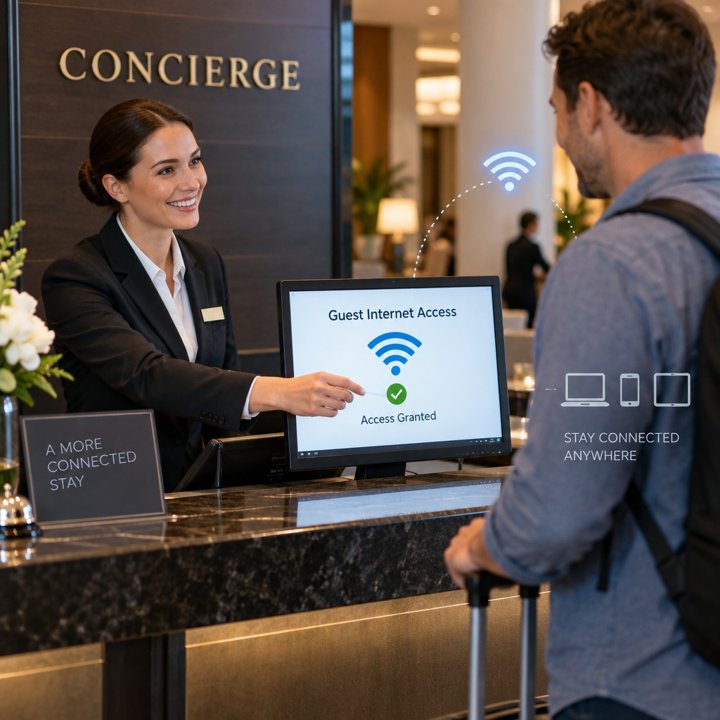
Branded guest Wi-Fi login pages through Nomadix, NetConcierge, and other captive portal gateways, with tiered access and bandwidth control — integrated with your PMS for automatic room-charge billing.
NetConcierge →Give your guests an easy way to connect—and your staff an easy way to manage access.
NetConcierge brings guest Wi-Fi access codes, conference Internet, premium bandwidth options, Opera PMS integration, custom splash pages, and reporting into one hotel Internet platform. It works with access points from any brand, so your existing Wi-Fi infrastructure stays in place.
Networks, internet circuits, and infrastructure should grow with your organization — not become emergencies after you've already outgrown them. We review:
If the existing circuit and infrastructure can handle the load, we'll tell you. If the data says you need more capacity, we'll show you why.
Upgrade because the data says you need it — not because someone wants to sell you new hardware.
WNS helps clients evaluate internet circuits based on actual utilization and business requirements — not simply whatever speed the carrier recommends.
We don't just tell you to call the ISP. We call them.
Monitoring may say a device is online while users are still experiencing drops, latency, or inconsistent connectivity. That's why WNS looks beyond whether equipment simply responds to a ping.
We investigate utilization, client counts, radio performance, switch behavior, cabling, fiber, VLANs, and application traffic to determine what's actually happening.
Firewall → Switching → Wi-Fi → VLANs
Firewall → Switching → Wi-Fi → VLANs
Firewall → Switching → Wi-Fi → VLANs
Multi-site organizations shouldn't have completely different network designs at every location unless there's a reason for it. WNS helps establish standards for firewalls, switching, Wi-Fi, segmentation, naming, documentation, and monitoring so the environment is easier to support and expand.
Every network eventually needs troubleshooting, expansion, or replacement. WNS documents the environment so the next technician doesn't have to reverse-engineer it.
This is the same documentation discipline behind our Bebashi network build-out.
WNS combines remote network engineering with local technicians and traveling WNS technicians. When a project requires hands-on work, we put someone onsite — fiber installation, switch replacement, AP deployments, MDF/IDF cleanup, network migrations, circuit cutovers, and troubleshooting.
Guest rooms, conference attendees, staff, and events all create large swings in device density at a York, PA hotel and conference center. WNS designed the wireless environment around that reality.
Tell us about the property or building — we'll scope the design and get you a plan.